A quick reality check before you add screens
You can get video playing in almost any car, but the best choice depends less on the screen and more on your constraints: who’s watching (kids in the back vs. a rideshare passenger), where the sound will go, and how you’ll power everything for hours at a time. Many “simple” setups fall apart on long trips because the mount shakes, the tablet overheats in sun, or the only USB port can’t keep up with charging.
It also helps to be honest about what you’re trying to solve. If you mainly need quiet, individual viewing, phones or tablets with headphones are hard to beat on cost and reliability. If you need shared viewing, a larger screen starts to make sense—but you’ll pay with more wiring, more visible hardware, and more chances for glare, theft, or broken cables when passengers get in and out.
Driver distraction, laws, and where screens can go
The main hard limit isn’t technical—it’s driver distraction. Most states restrict video visible to the driver while the vehicle is in motion, even if it’s “for passengers.” Plan on keeping video behind the front seats (headrest screens, a roof mount, or tablets mounted to seatbacks) and angled so it can’t be seen in the rearview mirror. If you’re upgrading the front infotainment screen, expect factory-style lockouts that disable video playback while driving, and be wary of bypass kits that can put you on the wrong side of the law and your insurance.
Also think about what happens at stops: a screen that’s legal while parked can still be a theft magnet, and sunlight glare can push you to raise brightness and heat up devices faster.
Factory rear-seat entertainment: easiest when your car supports it
If your vehicle was offered with factory rear-seat entertainment (RSE), it’s usually the lowest-friction way to get a “real” in-car TV experience. The screens, wiring, and audio routing are already integrated, the mounts don’t wobble, and you’re less likely to fight power issues on long drives. In practice, the key question is compatibility: some systems only mirror certain inputs, some expect a built-in disc player, and others are designed around HDMI or a specific streaming box. Before you buy anything, confirm what your trim actually has (and what ports are present) rather than assuming all RSE packages work the same.
The trade-off is cost and flexibility. Factory parts, replacement remotes, and dealer programming can be expensive, and older RSE setups may be limited to low-resolution screens or outdated connectors. If your goal is modern streaming, you may still need an add-on device plus a reliable data plan, even with factory screens.
Aftermarket headrest monitors for a built-in look
Aftermarket headrest monitors are the “looks factory” option when your car didn’t come with RSE. You typically replace the whole headrest or add a screen to a new headrest post, then run power down the seat so you don’t have dangling cables in the cabin. The best kits use HDMI so you can plug in a streaming stick, phone adapter, or game console, and some include a built-in media player for files on USB or microSD.
The real decision is how deep you want the install to go. A pro install can hide wiring, add a fused power tap, and route audio cleanly to wireless headphones or the car stereo, but it adds labor cost and can be tricky on seats with side airbags or complex upholstery. Cheaper kits often have dim screens, weak mounts, or noisy power adapters that show up as hum in the audio.
Tablet or phone + mount: the cheapest flexible solution
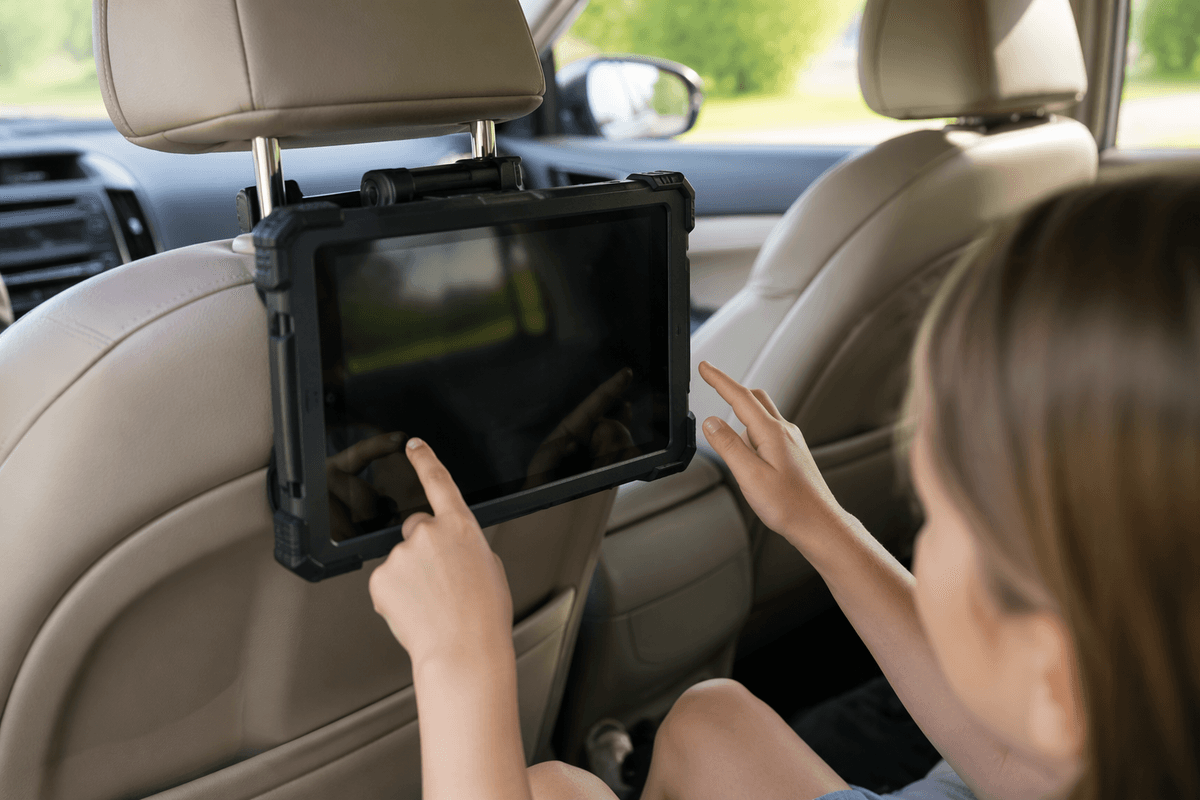
You’ve probably already got the best “screen” in the car: a tablet or old phone, plus a seatback mount. This approach wins on cost and flexibility because each passenger can watch something different, and you can swap devices as needs change without redoing wiring. For families, a rugged case and a mount that grabs the headrest posts (not a flimsy clamp) matters more than screen size—cheap mounts bounce on rough roads and turn tapping “pause” into a wrestling match.
The practical drawbacks show up on longer trips. Phones and tablets can overheat in direct sun, and many cars’ USB ports won’t keep up with charging while streaming at high brightness, so plan on a 12V fast charger and a short cable that won’t get kicked. Audio is usually easiest with Bluetooth or wired headphones; trying to blast sound through the car speakers can create pairing fights and volume swings when navigation interrupts.
Streaming in the car: hotspots, data plans, and dead zones
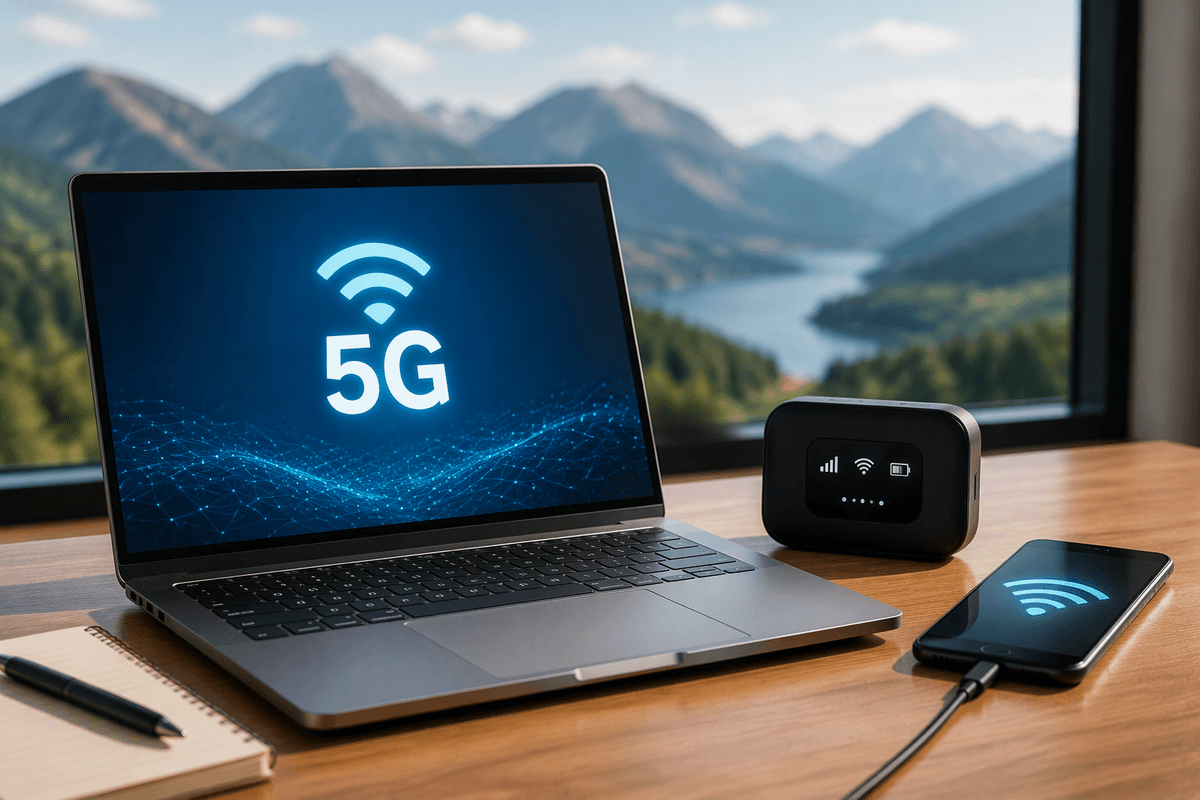
Streaming works great until you leave strong coverage. If you’re relying on a phone hotspot, expect batteries to drain fast and phones to run hotter, especially while charging and running high-brightness video. A dedicated hotspot can be more stable and can stay in the car, but it’s another device to power, manage, and pay for. Either way, your real limiter is the plan: “unlimited” often means a high-speed bucket, then throttling that turns HD video into constant buffering. Check whether your carrier deprioritizes hotspot data sooner than on-device data, because that difference surprises people on road trips.
Dead zones are normal, even on highways, so build a backup. Download episodes ahead of time on each device, lower stream quality when the signal dips, and don’t assume a streaming stick will behave like a tablet—many need a steady connection and don’t cache well. In rural areas, data can be cheap or fast, but rarely both.
Physical media and TV tuners when internet isn’t reliable
When coverage is the problem, physical media is the “it just plays” fallback. A portable DVD/Blu-ray player or a headrest kit with a built-in disc slot avoids buffering entirely, and discs are easy to hand to kids without worrying about logins or app updates. The downsides are real: you’re carrying cases, swapping discs at stops, and cheap players can skip on rough pavement. Blu-ray also adds power draw and can be picky about vibration and heat.
Over-the-air TV is more limited than people expect. Broadcast tuners need an antenna and you only get local stations where signal reaches the car, which drops quickly outside metro areas. Some “car TV” products are really just Android boxes with apps, so they don’t solve the no-internet issue. If you go this route, confirm it’s a true tuner, not just another streaming device.
Power, audio, and setup details that make it enjoyable
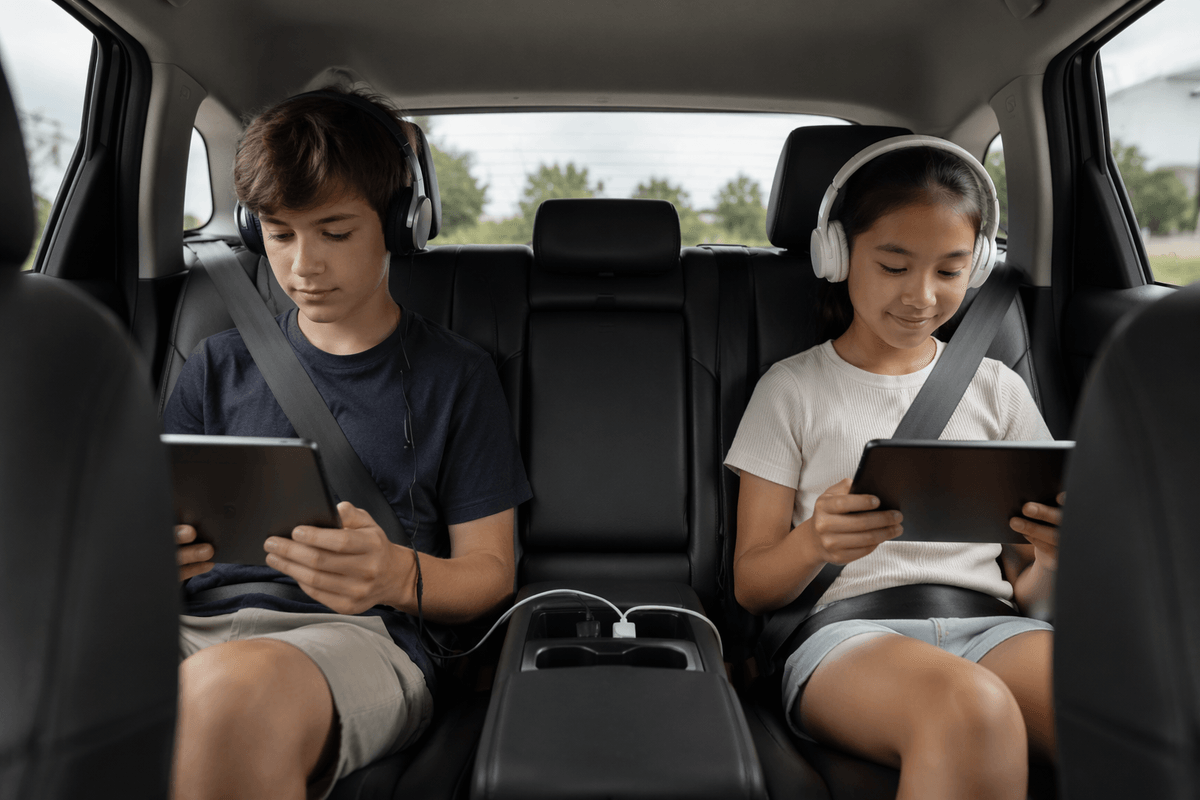
You notice the difference between a “works” setup and an enjoyable one after the first hour: power stays ahead of drain, cables stay out of knees, and nobody is fighting the volume. Assume most built-in USB ports are slow; a 12V charger with USB-C PD (or a multi-port fast charger) is what keeps tablets alive at high brightness. If you hardwire anything, use a fused tap and strain relief so seat movement doesn’t chew through cables. Heat is the quiet killer—sun on a screen can trigger dimming or shutdown, so use a shade and mount where air can circulate.
For audio, default to separate headphones (wired or Bluetooth) to avoid pairing battles and navigation interruptions. If you want shared audio, an AUX input is simplest; FM transmitters are easy but often pick up hiss and local stations. Build in “grab-and-go” habits: short cables, labeled chargers, and downloaded content for the inevitable dead zone.
Picking your best option for your car and passengers
If your car already supports factory RSE, that’s usually the least hassle and the most “always ready” for families and frequent road-trippers, but older systems may need adapters and still won’t fix weak cellular coverage. If you want a built-in look without changing the dash, headrest monitors make sense when you’re willing to pay for clean wiring and safe routing around seat airbags. If you want the best value and the easiest upgrades, tablets on solid seatback mounts win—just budget for a 12V fast charger, short cables, and offline downloads. When reliability beats convenience, a portable disc player is still the simplest no-internet fallback.