What “4K vs. 8K” really changes in your living room
You’ll notice the “4K vs. 8K” difference less as a dramatic jump in sharpness and more as a change in how forgiving a very large screen feels. On an 8K TV, fine textures (hair, fabric, grass) can look a bit cleaner, and edges can appear slightly smoother—especially if you sit close or buy 75 inches and up. But in most living rooms, the bigger day-to-day change still comes from brightness, contrast, reflection handling, and motion, not raw pixel count.
There’s also a practical trade-off: because true 8K content is limited, an 8K set spends much of its life upscaling 4K or 1080p. That makes the TV’s processing quality a major factor, and it can vary a lot by model. Add the cost premium—often better spent on a higher-quality 4K panel—and “8K” starts to look like a feature for specific setups, not an automatic upgrade.
Can you actually see 8K detail at your size and distance?
Most people hit the “can’t really see more detail” wall with 4K sooner than they expect. If you’re sitting 7–10 feet from a 55–65 inch TV, your eyes usually can’t resolve enough extra pixels for 8K to look consistently sharper in real shows and movies. You may still notice an 8K set looking a touch smoother on fine patterns, but that’s often as much about processing as pure resolution.
Where 8K can become visible is the extreme end: very large screens (roughly 75–85 inches and up) and/or closer seating (think 4–6 feet). That’s the “front row” living-room setup, and not everyone enjoys sitting that close—plus it can highlight noise, compression, and bad source quality. If your room layout keeps you back, a better 4K TV usually buys more real picture quality than extra pixels you can’t reliably see.
The content reality check: how much is truly 8K?
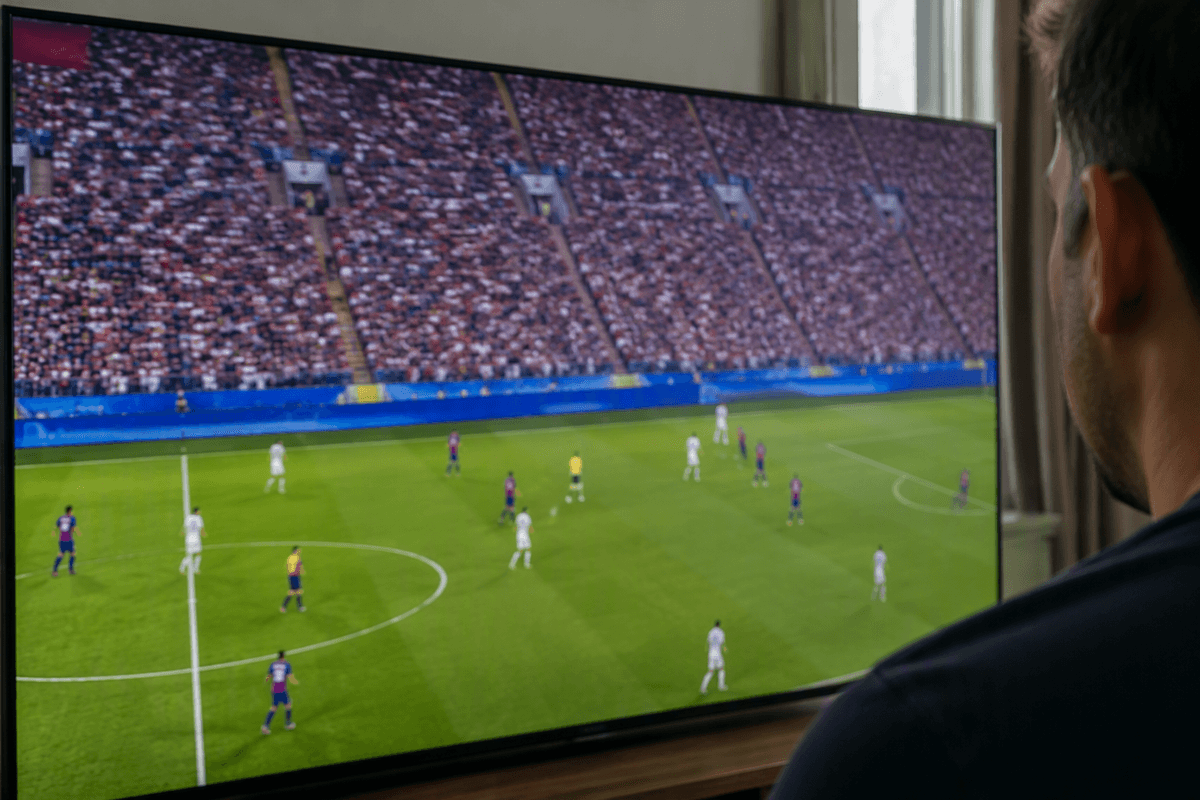
You’ll run into the biggest 8K “gotcha” the moment you look for something to watch that actually arrives in 8K. Most movies and shows are delivered in 4K at best, and a lot of live TV and sports are still 1080p or even 720p before your TV ever touches it. There are 8K demo clips, some limited YouTube content, and a small amount of specialty footage, but it’s not a steady pipeline like 4K streaming has become.
Even when the label says “4K,” the real limiting factor is often compression and bit rate. Heavy compression can blur fine detail and add noise, which means an 8K panel doesn’t automatically look cleaner—it can just show you a cleaner version of the same compromised source. The practical cost is simple: if you pay extra for 8K today, you’re mostly paying for how well your TV can make non‑8K content look on an 8K screen.
Upscaling is the hidden decider—how good is your TV at it?
You can see this at home the first time you flip from a crisp 4K stream to a cable channel or an older show: the TV is constantly guessing what missing detail should look like. Good upscaling adds a mild “tightening” to edges, reduces jagged lines, and keeps skin texture from turning into plastic. Bad upscaling does the opposite—sharpening halos around subtitles, smearing fine patterns (like hair or grass), and making compression noise look like extra detail.
Here’s the catch: an 8K TV has to invent four times as many pixels from 4K as a 4K TV does from 1080p, so the processor matters more, not less. Higher-end models usually do a better job because they have stronger chips and better noise reduction, but you pay for that in the price tag. In a store, use the same non-demo source on both sets, then look for clean edges and stable textures rather than “pop.”
Price, performance, and the features that matter more than pixels
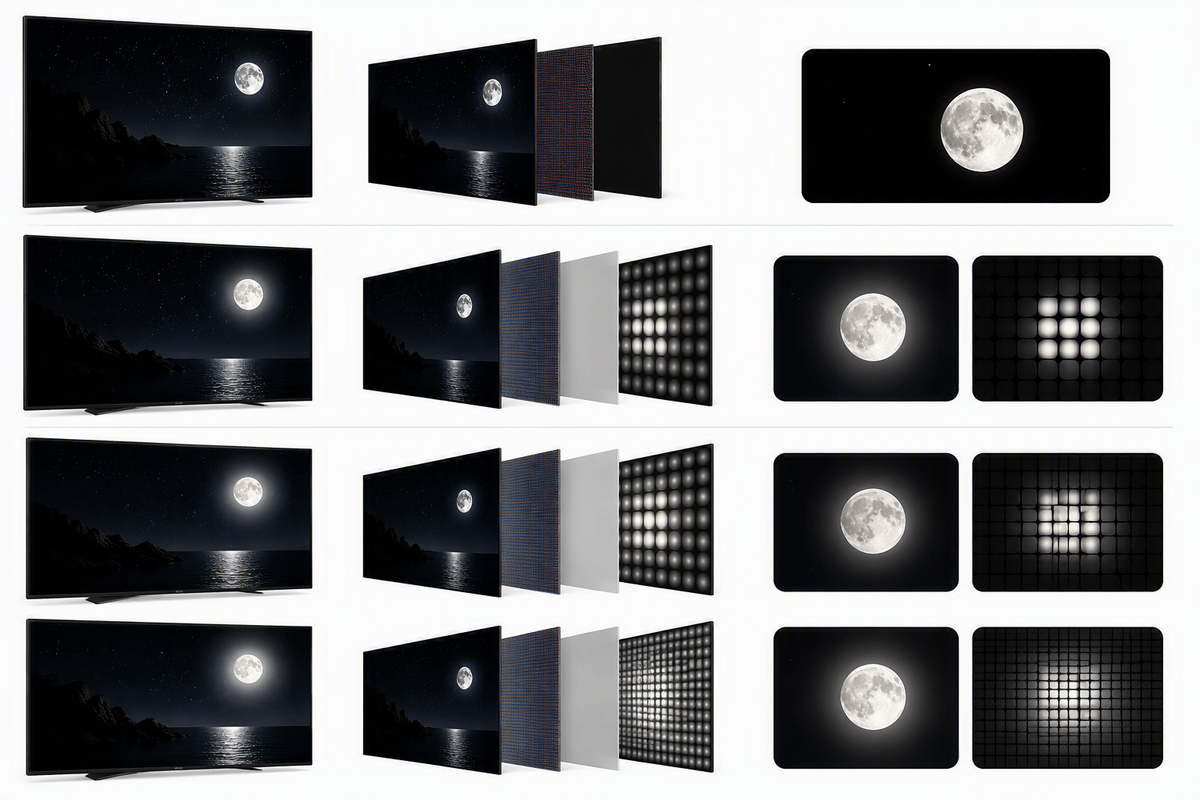
You’ll feel the “8K premium” most at checkout, and it often forces a trade: a cheaper 8K set versus a higher-tier 4K model with better HDR brightness, local dimming, and reflection handling. In real rooms—lamps on, daylight in, mixed-quality streams—that 4K upgrade usually looks more obviously better than extra resolution. A strong 4K TV can deliver brighter highlights, deeper blacks, and fewer blooming artifacts, which helps movies and sports far more than pixels you may not resolve from the couch.
Pay close attention to panel and backlight quality (OLED vs. LCD, and if LCD, how many dimming zones), plus peak brightness for HDR and wide-angle performance if you have side seating. Processing still matters too, but the “boring” specs often decide whether the picture looks premium: anti-reflection coating, uniformity (dirty-screen effect during hockey or soccer), and motion handling. The constraint is budget math: once you allocate extra dollars to 8K, you may end up accepting weaker contrast or dimmer HDR—compromises you’ll notice every night.
Gaming and future-proofing: HDMI, refresh rates, and console reality
If you game, “future-proofing” is less about 8K pixels and more about ports and performance. Look for HDMI 2.1 features that actually change how games feel: 4K at 120Hz support, VRR (to reduce tearing and stutter), and low input lag in Game Mode. These show up on better 4K and 8K sets alike, and they matter every time you pick up a controller.
Console reality is simple: PlayStation 5 and Xbox Series X are built around 4K output, and most games target 60fps or 120fps with visual trade-offs even at 4K. True 8K gaming is rare and usually not the best-looking or smoothest way to play. An 8K TV can still be a great gaming display, but you’re mostly paying for a premium panel and processing—not an 8K console experience today. Also double-check how many HDMI 2.1 ports you get; some TVs only have one or two, which becomes a hassle with a soundbar and multiple devices.
So which should you buy? Simple rules for typical shoppers
If you’re buying 55–75 inches and sitting 7–10 feet away, a good 4K TV is the smarter buy: put the budget into better HDR brightness, local dimming (or OLED), and solid HDMI 2.1 for 4K/120 gaming. Choose 8K only when you’re going very large (typically 75–85 inches and up), sit closer, and you’re already shopping higher-end models where the processor and panel quality are top-tier.
If the 8K option forces compromises—dimmer HDR, worse uniformity, fewer HDMI 2.1 ports, or weaker local dimming—skip it. You’ll notice those downsides every day, while the extra pixels usually won’t.