Two great smart speakers, but for very different homes
You can put an Echo Dot or a HomePod mini in a bedroom or kitchen and get the same headline idea: a small speaker that plays music, answers questions, and controls smart-home gear. The difference is how quickly they fit into what you already own. Echo Dot is the “wide compatibility, lower cost” pick that plays well with lots of brands and routines. HomePod mini is the “Apple-first” pick that feels most seamless if you already live in iPhone, Apple Music, and HomeKit.
The catch is that neither is universally “better.” HomePod mini usually makes sense when sound quality and Apple integration matter more than device variety or upfront price. Echo Dot usually makes sense when you want the broadest smart-home options, more voice-app features, and frequent discounts—while accepting that the audio can feel smaller and the experience is more Amazon-account-centric.
What you’re actually buying: ecosystem access, not hardware alone
It’s easy to compare drivers, fabric, and size, but the long-term value is the platform you’re plugging into. With Echo Dot, you’re buying access to Alexa features—skills, routines, multi-room groups, and a huge list of compatible devices—tied to your Amazon account and the Alexa app. With HomePod mini, you’re buying access to Apple’s way of doing things: HomeKit scenes, Apple Music and podcasts integration, AirPlay, and handoff-style features that feel effortless when you already use an iPhone.
The practical cost is lock-in. Switching later can mean rebuilding routines, replacing smart-home accessories, and retraining the household on different voice commands, even if the speaker itself was inexpensive.
iPhone vs Android: how much your phone decides this
If you carry an iPhone, the HomePod mini tends to feel “built in” rather than “added on.” Setup runs through the Home app, you can hand off audio from your phone, and Apple features like AirPlay and HomeKit scenes are easiest to manage from iOS. If you pay for Apple Music, it’s also the more straightforward experience day-to-day.
If you’re on Android, HomePod mini becomes a harder sell fast. You lose the simplest setup path and much of the “control from your phone” convenience, and you’ll spend more time working around gaps. Echo Dot is the more natural match for Android because Alexa’s app and features are designed to be cross-platform, and Spotify-style playback and device control usually feel less fussy.
The constraint is household mix: if half the home uses iPhone and half uses Android, Echo Dot often avoids friction even if you prefer Apple services.
Sound in real rooms: desk speaker or small-room fill
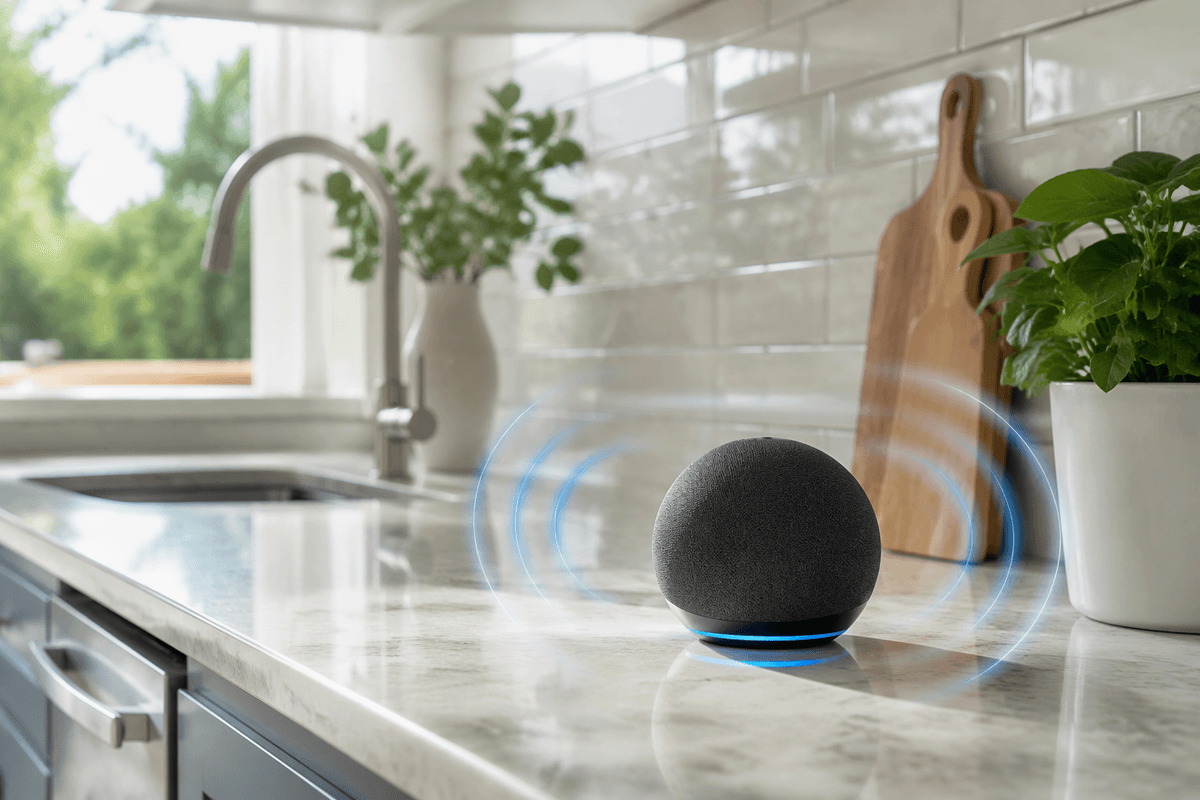
Picture where this speaker will actually live: on a nightstand near your head, on a kitchen counter with hard surfaces, or tucked on a shelf across the room. HomePod mini generally sounds more “grown up” at moderate volumes, with fuller bass for its size and a smoother balance that makes voices and acoustic music less thin. It also tends to do a better job spreading sound around a small room, so you don’t feel glued to a single sweet spot.
Echo Dot can sound punchy up close, which works well for a desk or bedside, but it’s easier to notice the smaller scale when you try to fill a kitchen while cooking or a small living room during cleanup. The practical limiter is volume: both can get loud enough for a bedroom, but pushing either hard can make the sound harder and less pleasant, especially in echo-y rooms.
Siri vs Alexa: reliability, skills, and natural voice control
You’ll notice the difference most when your hands are busy: “set a 12‑minute timer,” “add milk to the list,” “turn on the lights,” and you want it to just work the first time. Alexa is usually stronger at understanding varied phrasing and handling “do this, then that” requests, and its big advantage is depth: thousands of third-party skills, more routine triggers, and better odds that a niche service or device has an Alexa integration.
Siri on HomePod mini is more uneven for broad web-style questions and smart-home edge cases, but it can feel more natural inside Apple’s world. Messaging, reminders, and personal requests often work best when your iPhone is already set up the way you like, and voice matching can keep results tied to the right person. The trade-off is fewer skills and less flexibility when you want to add new services beyond Apple’s defaults.
Smart home compatibility: devices, standards, and future-proofing
The moment you add a second or third smart device, compatibility stops being abstract. Echo Dot is usually the easier “anything can join” hub: most mainstream bulbs, plugs, thermostats, and TVs advertise Alexa support, and you can mix brands without thinking too hard. If you like trying new gadgets, that breadth matters, and it can save money because you can shop sales instead of sticking to one certified lineup.
HomePod mini is pickier, but more consistent when you stay in Apple’s lane. HomeKit devices (and newer Matter/Thread accessories) tend to behave predictably in the Home app, with clean room-based control and fewer odd integrations. The practical constraint is cost and selection: HomeKit-branded gear can be pricier, and you may hit “works with Alexa” packaging more often than “works with Apple Home.” If future-proofing is your goal, prioritize Matter support on whichever side you choose.
Privacy, household sharing, and who can control what

A lot of people only think about privacy after the first awkward moment: a guest asks the speaker to play something, or a roommate changes the lights at midnight. HomePod mini is typically easier to “contain” if you’re already an iPhone household, because personal requests and Home control can be tied to Apple IDs, voice recognition, and the Home app’s shared-home permissions. It’s clearer who’s allowed to unlock a door, run a scene, or send a message.
Echo Dot can work well in shared spaces, but you’ll spend more time tuning settings in the Alexa app: voice profiles, purchasing controls, and smart-home permissions across household members. The practical trade-off is convenience versus oversight—Alexa’s broader integrations often mean more third-party account linking, which increases the number of places your data and access tokens can live.
So which one should you buy for your priorities and budget?
If you want the easiest smart-home path, the most voice features, and the best chance your next random gadget “just works,” Echo Dot is usually the safer buy—especially in mixed iPhone/Android households and when sales pricing matters. Pick HomePod mini when you’re primarily an iPhone home, you care about smoother sound at everyday volumes, and you want home control and personal requests to live inside Apple’s permission model. The real cost isn’t just the speaker price; it’s the time and money to replace devices or rebuild routines if you switch ecosystems later.