Budget stereo receivers: what “good enough” really means
Most people shopping under $300 aren’t chasing “audiophile” sound—they want a receiver that’s quiet, clean at normal volumes, and flexible enough to handle a TV and a few music sources without drama. “Good enough” usually means it won’t hiss from the couch, won’t sound strained in a small-to-medium room, and won’t run out of connections on day one.
The trade-offs are predictable: you can often get decent amplification and basic Bluetooth, but nicer streaming platforms, lots of digital inputs, or HDMI/ARC tend to push you into pricier models. Phono inputs can be surprisingly hit-or-miss at this price, and build quality matters because cheaper receivers may run hotter or fail sooner if they’re crammed into a tight cabinet.
Start with your speakers, room size, and listening habits
Picture the setup you actually have: bookshelf speakers on a TV stand in an apartment living room needs a different receiver than 4–8 ohm floorstanders in an open-plan space. Start by checking your speakers’ impedance (often 6 or 8 ohms) and sensitivity; low-sensitivity speakers typically need more real-world wattage to hit the same volume without sounding harsh. In a small room, a solid 50–70 watts per channel can be plenty. In a larger room, it’s less about chasing huge numbers and more about having clean headroom so peaks don’t compress.
Then match features to habits. TV-first listeners benefit most from HDMI ARC (or at least optical) and a simple remote. Vinyl means prioritizing a decent phono input—or budgeting for an external phono preamp. If you mostly stream from a phone, basic Bluetooth may be fine, but know the limitation: convenience is high, sound quality and range are usually the compromise.
Features that matter most under $300 (and what doesn’t)
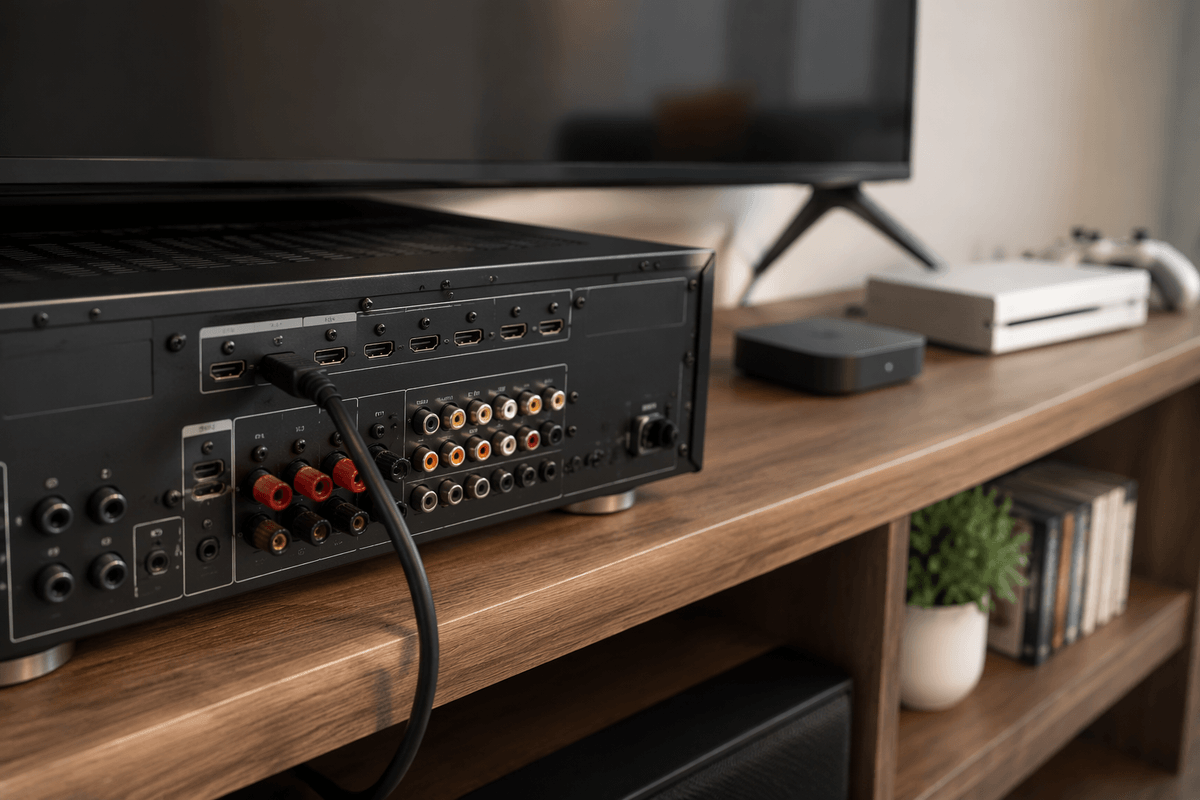
You’ll notice a lot of budget receivers look “fully loaded” on the spec sheet, but under $300 the useful wins are usually basic and practical. First, prioritize the inputs you’ll touch every day: HDMI ARC if the TV is the main source, or at least optical plus one coax/digital input if you also have a streamer or game console. For speakers, a dedicated subwoofer output matters if you want real bass management; a simple “A/B” speaker switch matters if you’ll run two pairs. A headphone jack is still handy, but check where it’s placed and whether it mutes speakers automatically.
Be skeptical of big power numbers and flashy surround-style DSP modes on stereo units—they rarely tell you how clean it stays when pushed. Bluetooth is convenient, but don’t pay extra for “long-range” promises; walls and interference decide that. Phono inputs can be fine, but at this price it’s normal to budget $30–$80 later for an external phono preamp if your turntable sounds thin or noisy.
New vs used: when saving money increases risk
Used can be the fastest way to get “last year’s $500 receiver” for $250, and in pure sound-per-dollar it often wins. The catch is that reliability risk shifts onto you. Heat, dust, and years of being pushed hard can quietly age capacitors, relays, and volume knobs, and those failures usually show up after the return window you don’t have. Remote controls, Wi‑Fi/Bluetooth modules, and HDMI/ARC boards (if the unit has them) are also common pain points because they’re expensive to replace and sometimes not available at all.
If you buy used, prioritize models with a straightforward stereo layout, confirm every input you need actually works, and factor in the cost of a “maintenance buffer” (even $50–$100) for cleaning, a replacement remote, or a shop visit. New at this price is less exciting, but warranties and easy returns are often worth more than a slightly nicer spec sheet.
Best budget-friendly picks by the way you’ll use them
If your TV is the hub, look for a stereo receiver with HDMI ARC first, then optical as a fallback. ARC keeps volume control and power behavior simple, which matters more day-to-day than slightly better Bluetooth codecs. The trade-off is that ARC-capable stereo units under $300 can be picky about HDMI handshakes and TV settings, and you may be limited to 2-channel PCM from some sources. A practical “TV-first” pick is usually an HDMI ARC stereo receiver from a mainstream brand (Sony, Denon, Yamaha) rather than a feature-stuffed off-brand unit—fewer surprises, better remotes, and more predictable support.
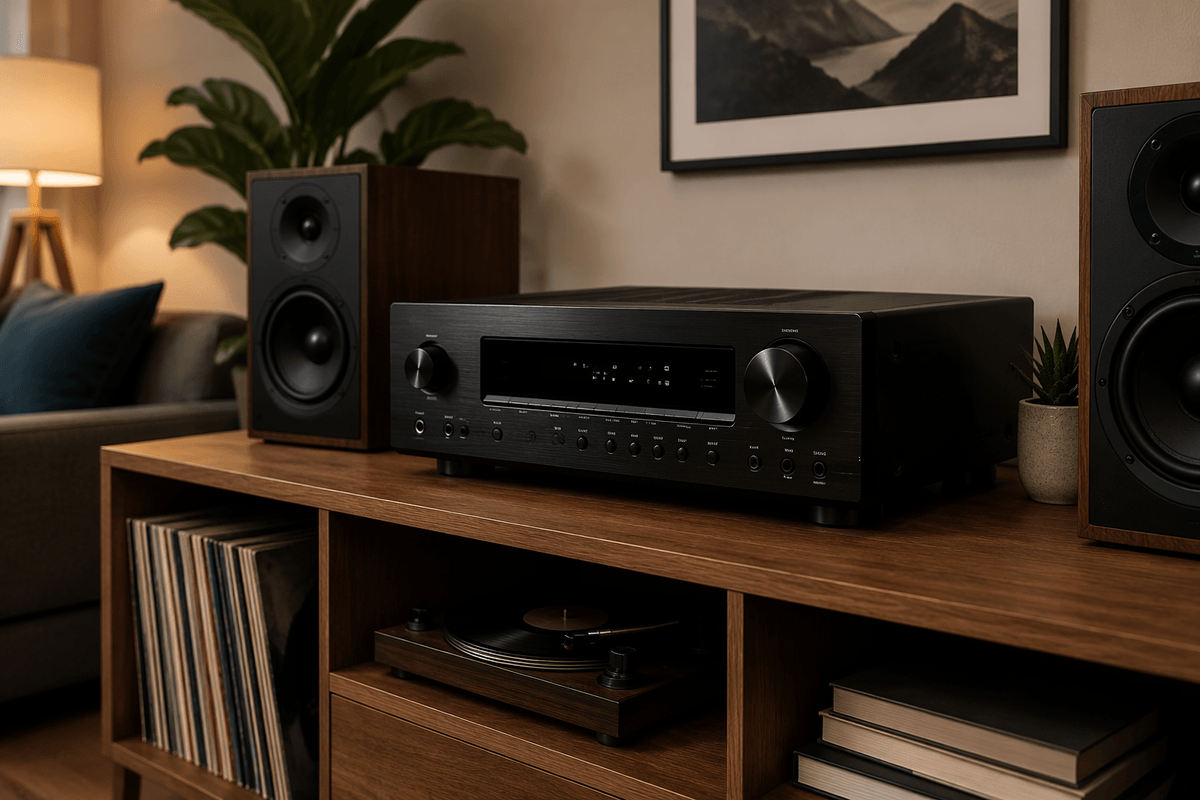
If music is the priority and the TV is secondary (or you don’t care about ARC), value shifts to clean power, a usable subwoofer output, and enough analog inputs for a streamer and maybe a CD player. This is where simple integrated-style stereo receivers often sound more composed for the money, especially with 6–8 ohm bookshelf speakers in small-to-medium rooms. A limitation: many of these “music-first” picks have only one optical input (or none), so count your digital sources before you buy.
If vinyl is non-negotiable, buy as if the receiver has no phono stage unless it’s specifically well-reviewed. A safe budget move is choosing a receiver with the connectivity you need (ARC/optical/sub out), then planning for a $30–$80 external phono preamp if noise or thin bass shows up. It costs more up front, but it avoids locking your whole system’s sound quality to the cheapest phono circuit in the box.
Common setup mistakes that make budget gear sound cheap
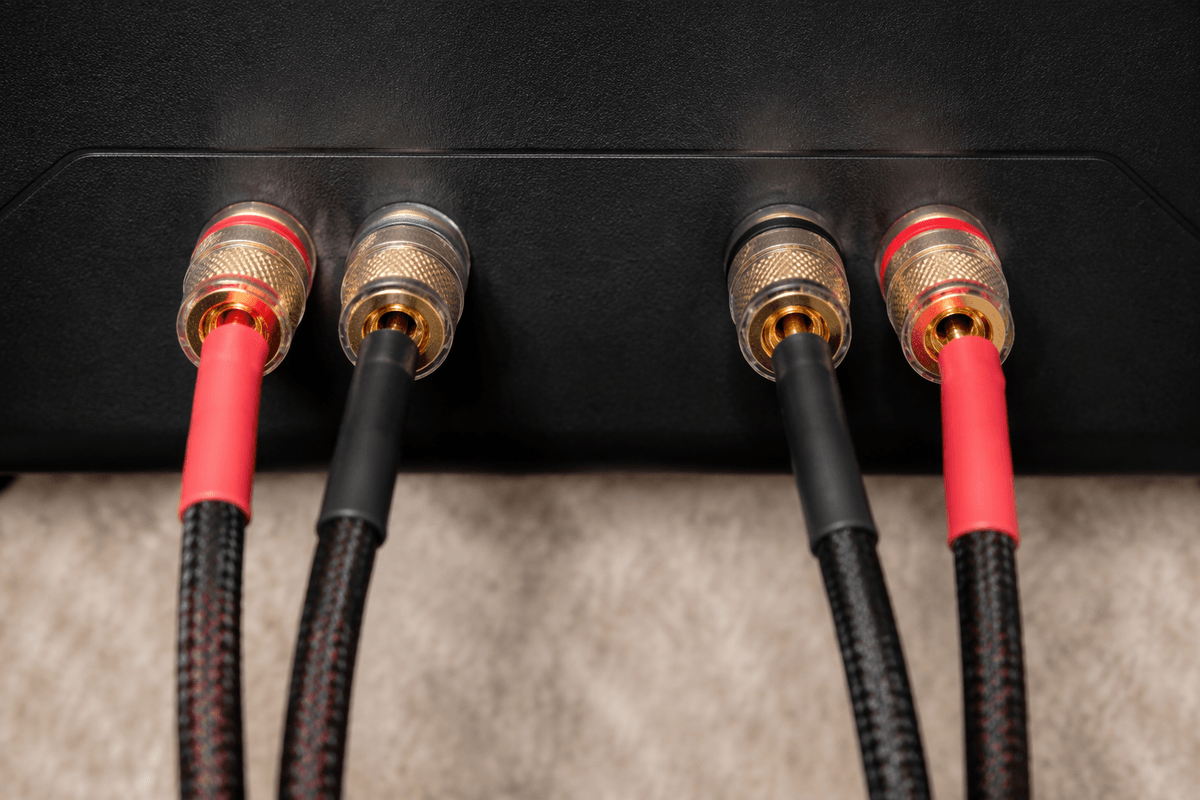
You can spend smart on a receiver and still end up with “thin” sound if the basics are off. The most common mistake is speaker placement: bookshelves shoved into a cabinet, too close to the back wall, or aimed straight ahead when they really need a slight toe-in. Bad placement exaggerates boomy bass and blurry mids, which budget amps can’t “fix” with a better spec sheet.
Wiring and setup choices matter more than people expect. Miswired polarity (one speaker wired backwards) collapses bass and makes vocals sound hollow. Running a sub with the crossover too high, or leaving speakers on “Large” when they struggle with bass, can make the whole system sound strained. If you’re using a TV, also double-check the output format—many sets default to multichannel modes that a stereo receiver downmixes poorly. The practical downside: dialing this in takes a half hour, and sometimes a $15 set of longer speaker stands beats any receiver upgrade.
A simple buying plan: choose confidently and upgrade later
A simple plan keeps you from shopping in circles. Make a short checklist: your room size, your speakers’ impedance/sensitivity, and the three sources you’ll actually use (TV, phone streamer, turntable). Then choose the receiver by priority order: (1) the connections you need today (HDMI ARC or optical, plus a sub out if bass matters), (2) enough clean power for your room, (3) reliability and return policy. If something is missing, pick the cheapest add-on later: an external streamer beats built-in “smart” features, and a $30–$80 phono preamp is often a safer upgrade than paying extra for a mediocre phono stage.